Best Free AI Face Swap of 2026 (Tested & Ranked)
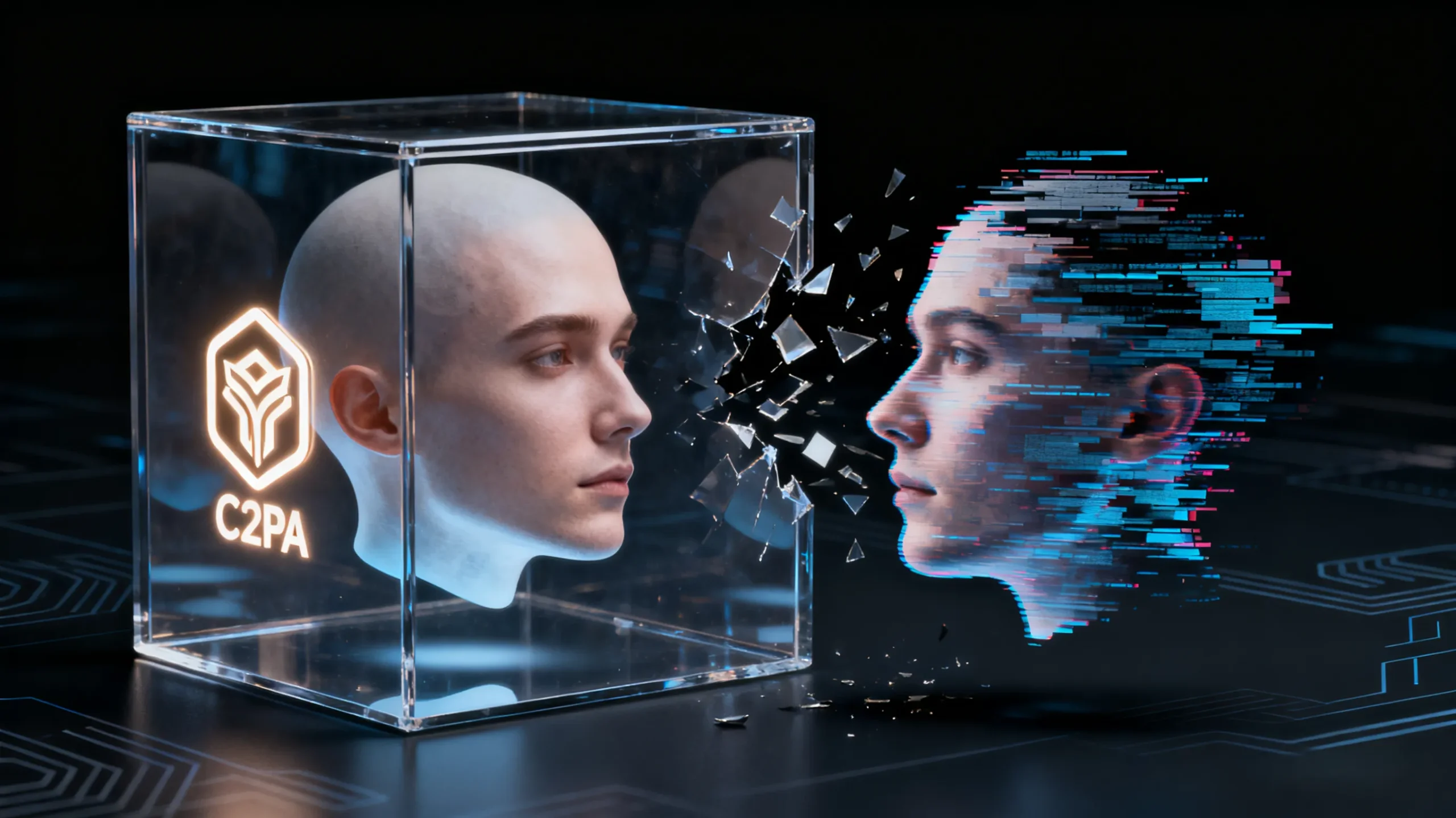
AI face swapping has gone from novelty filters to serious creative infrastructure. In 2026, creators are using these tools for ad campaigns, social media content, short films, and branded storytelling — all without traditional VFX teams.
But not all tools labeled free actually deliver usable results. Many add heavy watermarks, limit resolution, or struggle with motion realism.
After testing the leading platforms on marketing clips, fast-cut social videos, and cinematic footage, here are the best free AI face swap tools of 2026 — ranked by real-world performance.
Best Free AI Face Swap Tools at a Glance
| Tool | Best For | Video Support | Realism | Free Plan Quality | Standout Strength |
| Magic Hour | Professional content & ads | Yes | ⭐⭐⭐⭐⭐ | High | Most natural motion + lighting match |
| Reface AI | Social media fun | Limited | ⭐⭐⭐ | Medium | Fast and beginner-friendly |
| DeepSwap | Batch content creation | Yes | ⭐⭐⭐⭐ | Trial-based | Handles multiple swaps well |
| FaceMagic | Mobile creators | Short clips | ⭐⭐⭐ | Medium | Quick mobile workflow |
| Akool | Marketing teams | Yes | ⭐⭐⭐⭐ | Trial | Business-focused features |
Magic Hour — The #1 Free AI Face Swap Tool
If you want results that look professionally edited — not obviously AI-generated — Magic Hour video face swap is the clear leader this year.
Most free tools fall apart when there’s fast motion, side angles, or changing light. Magic Hour handled all three better than any competitor I tested. Facial structure stays consistent, skin tones blend naturally, and motion tracking doesn’t jitter during head turns.
What really separates Magic Hour is that it isn’t just a single-feature app. You can start with a free AI face swap, then expand into other creative tools inside the same ecosystem, making it ideal for creators who want more than quick gimmicks.
Pros
- Best-in-class facial tracking
- Realistic lighting and skin blending
- Works on longer clips than most free tools
- Clean interface suitable for beginners and pros
Cons
- High-resolution processing can take a bit longer
- Advanced features have a learning curve
My take: This is the only free-tier tool that produced clips I’d actually use in marketing or storytelling without heavy post-fixing.
Reface AI — Best for Casual Social Content
Reface remains one of the most popular apps in the face swap space, mainly because it’s fast and extremely easy to use. It’s designed for memes, short reactions, and entertainment clips rather than polished production.
While it works well for simple frontal faces, realism drops when scenes include complex motion or dramatic lighting.
Pros
- Beginner-friendly
- Fast processing
- Huge template library
Cons
- Limited control
- Watermarks on free exports
- Not suitable for professional work
My take: Fun for social posts with friends. Not reliable for brand or client content.
DeepSwap — Solid Mid-Tier Option
DeepSwap performs better than most lightweight tools and supports longer videos than many mobile-first apps. If you’re producing multiple variations of the same clip, its batch-style workflow is helpful.
However, blending can sometimes look soft, especially around hairlines and jaw edges.
Pros
- Handles longer videos
- Batch processing support
- Fully web-based
Cons
- Skin texture can look overly smoothed
- Struggles with extreme camera angles
My take: A practical choice for volume content, but not the most realistic option available.
FaceMagic — Quick Mobile Edits
FaceMagic is built for creators who edit primarily on their phones. It’s great for vertical videos and fast posting schedules, but export quality and realism are limited compared to desktop-focused tools.
Pros
- Mobile-friendly
- Fast results
- Simple interface
Cons
- Lower resolution exports
- Less consistent face tracking
My take: Useful for daily short-form posts, not cinematic or ad-level work.
Akool — Business & Marketing Use
Akool is more focused on marketing teams than individual creators. Alongside face swapping, it offers AI avatars and presenter-style tools. Output quality is solid, though slightly less natural than Magic Hour in dynamic scenes.
Pros
- Business-oriented features
- Team workflows
- API access
Cons
- Interface built more for enterprise use
- Less cinematic realism
My take: Better suited for corporate marketing than creative storytelling.
How These Tools Were Tested
Each platform was evaluated using:
- Talking-head marketing videos
- Fast-motion social media clips
- Footage with changing light conditions
- Different skin tones and camera angles
I focused on five key areas:
- Facial tracking accuracy
- Lighting and color blending
- Motion consistency
- Workflow simplicity
- Export quality on free plans
Many tools looked fine in still frames but broke during motion. Magic Hour was the only one that stayed consistent across all tests.
Market Trends in AI Face Swapping
Face swap technology is rapidly becoming part of full creative pipelines. Instead of being a standalone gimmick, it’s now integrated with animation, lip sync, and AI video generation tools.
We’re also seeing improvements in motion modeling — especially around head rotation and partial occlusion — which used to be major weak points. As brands adopt AI-generated content for ads and localization, realism and reliability matter more than ever.
Final Verdict
If you’re looking for the best free AI face swap tool in 2026, Magic Hour is the clear winner.
Best overall: Magic Hour
Best for fun: Reface
Best for batch processing: DeepSwap
Best mobile app: FaceMagic
Best for business teams: Akool
Testing short clips before committing is always smart — but right now, Magic Hour sets the highest bar for free, production-ready results.
FAQ
What is the most realistic free AI face swap tool?
Magic Hour currently delivers the most natural facial motion and lighting in free-tier exports.
Can I use AI face swap tools for marketing?
Yes, many brands use them for ads and creative campaigns, provided proper usage rights and consent are secured.
Do I need video editing skills?
Basic swaps don’t require experience, but understanding lighting and clip quality improves results.
Are free plans actually usable?
Some are heavily limited, but a few platforms — especially Magic Hour — offer free tiers that are practical for real projects.
What’s the difference between photo face swap and video face swap?
Photo swaps replace a face in a single image, while video swaps must maintain realism across motion, lighting changes, and different angles.




Post Comment