Dstat Layer 4: What It Really Means, Why It Matters, and How to Understand It Properly
Introduction: Let’s Be Honest—Layer 4 Dstat Confuses a Lot of People
Let’s be honest for a second.
If you’ve ever looked at a Dstat report and saw Layer 4 traffic spikes, your first reaction was probably something like, “Okay… but what does this actually mean for my server?”
Yeah. We’ve all been there.
Layer 4 Dstat sounds technical, intimidating, and honestly a bit dry at first glance. But here’s the interesting part — once you truly understand it, everything about network performance, DDoS attacks, and server stability starts making a lot more sense.
And no, you don’t need to be a hardcore network engineer to get it.
In this guide, we’re going to break down Dstat Layer 4 in plain English. No robotic definitions. No confusing jargon dumps. Just real explanations, relatable examples, and practical insight you can actually use.
What Is Dstat, Anyway? (Quick Refresher)
Before diving into Layer 4 Dstat, let’s quickly set the stage.
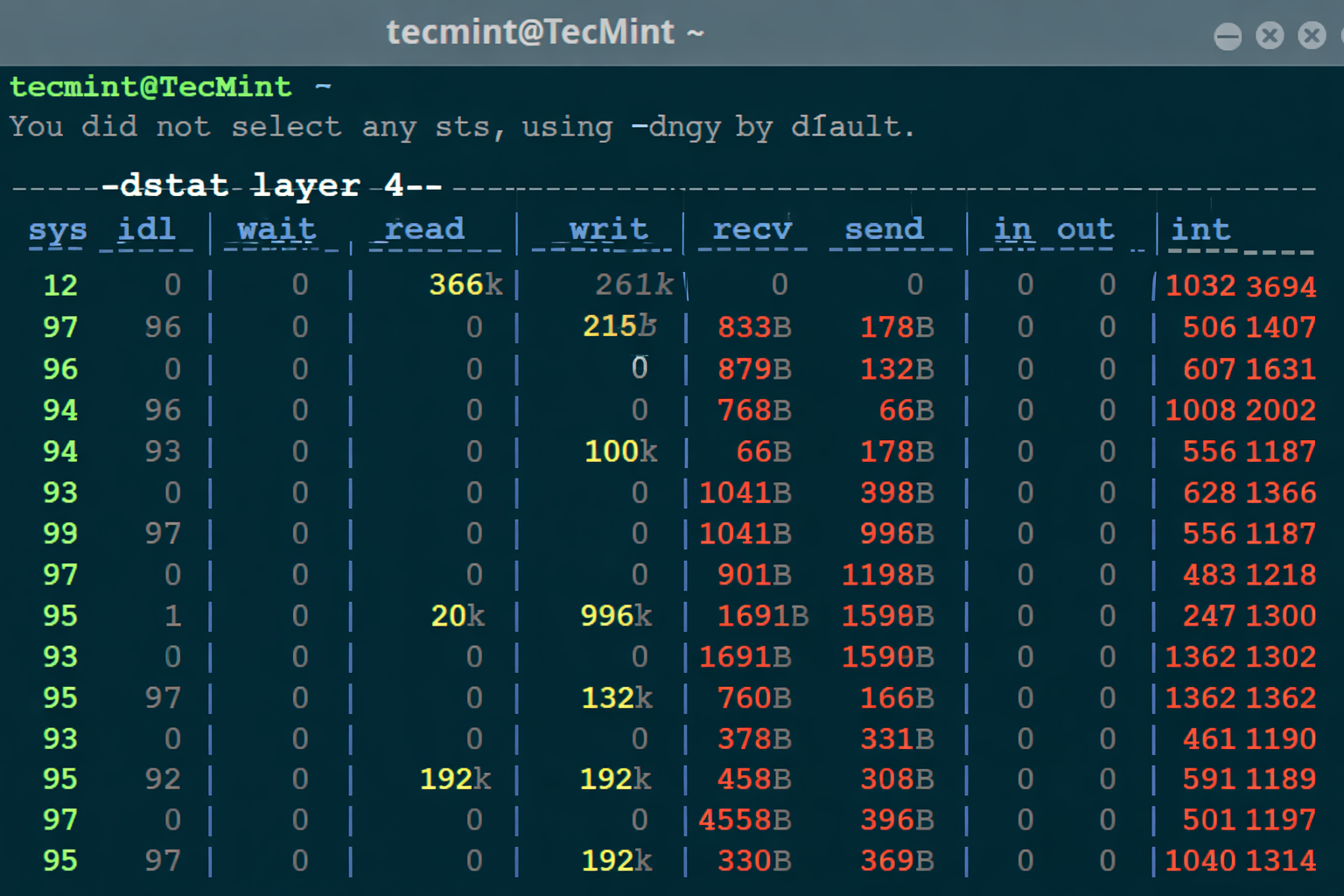
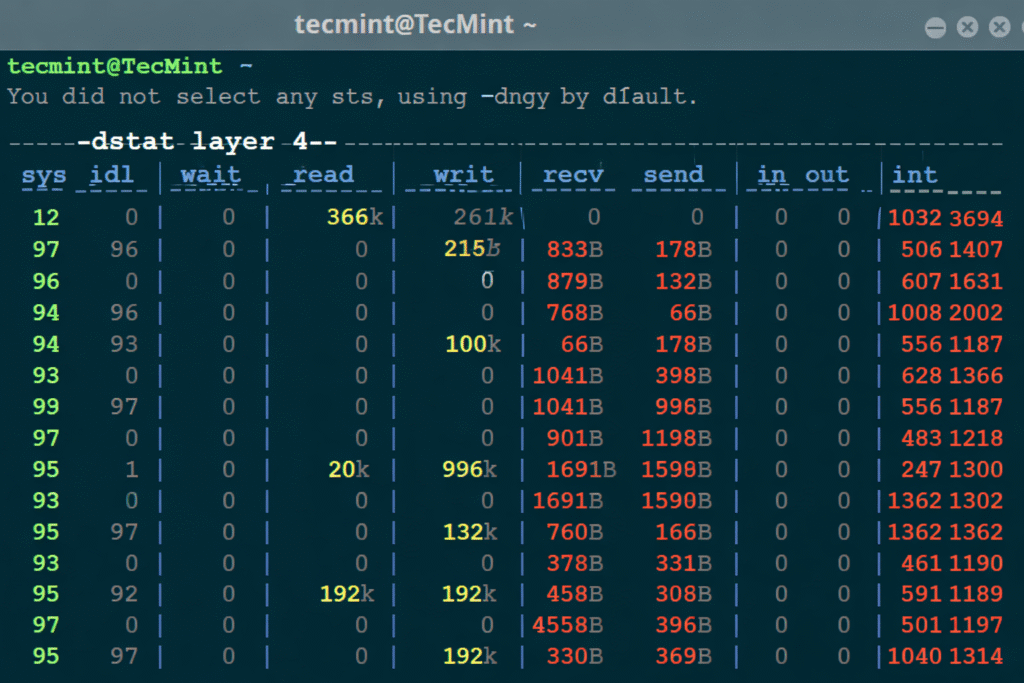
Dstat is a real-time system monitoring tool. It helps administrators, developers, and security teams observe how a system behaves under different conditions — CPU usage, disk I/O, memory consumption, and yes, network traffic.
But here’s the key thing most people miss:
Dstat doesn’t just show traffic — it shows how traffic behaves across different layers.
And that’s where Layer 4 enters the picture.
Understanding Layer 4 in Simple Terms
What Is Layer 4?
Layer 4 refers to the Transport Layer of the OSI model. This is where protocols like:
- TCP (Transmission Control Protocol)
- UDP (User Datagram Protocol)
operate.
In simpler words, Layer 4 controls how data is delivered, not just that it’s delivered.
Think of it like this:
- Layer 3 decides where data goes
- Layer 4 decides how it gets there and whether it arrives safely
And when Dstat monitors Layer 4, it’s watching connection behavior, not just raw bandwidth.
What Does “Dstat Layer 4” Actually Measure?
This is where things get interesting.
Dstat Layer 4 focuses on transport-level traffic metrics, such as:
- Number of active connections
- Packet rates
- TCP SYN, ACK, FIN activity
- UDP packet flows
- Connection attempts per second
So instead of just saying “you’re using 500 Mbps”, Layer 4 Dstat tells you:
“You’re handling thousands of connection requests every second — and that could be a problem.”
And yes, that’s extremely important for security and performance.
Why Layer 4 Dstat Is Critical for Server Monitoring
1. It Reveals Hidden Traffic Patterns
You know what’s interesting?
Two servers can show identical bandwidth usage, but one might be under attack while the other is perfectly fine.
Layer 4 Dstat helps you see:
- Abnormally high connection attempts
- Sudden SYN floods
- UDP bursts that don’t make sense
These are things traditional bandwidth graphs won’t reveal.
2. It Helps Detect Layer 4 DDoS Attacks Early
Let’s talk about the elephant in the room.
Layer 4 DDoS attacks are incredibly common because they’re cheap and effective.
Examples include:
- TCP SYN floods
- UDP floods
- Connection exhaustion attacks
And guess what?
Layer 4 Dstat is one of the earliest indicators that such an attack is happening.
You’ll often notice:
- Spikes in packet rate
- High connection counts
- Normal bandwidth but stressed CPU/network stack
That’s your warning sign.
How Dstat Layer 4 Differs from Layer 3 and Layer 7
Layer 3 vs Layer 4
Layer 3 is about IP traffic — packets moving from one address to another.
Layer 4 goes deeper. It asks:
- Are these packets forming connections?
- Are they completing handshakes?
- Are they behaving normally?
So while Layer 3 might look calm, Layer 4 might be screaming for help.
Layer 4 vs Layer 7
Now this is where people often get confused.
- Layer 4: Connection-based attacks (SYN floods, UDP floods)
- Layer 7: Application-based attacks (HTTP floods, API abuse)
Layer 4 Dstat won’t tell you what page is being requested, but it will tell you:
- How many connections are being attempted
- Whether those connections look suspicious
And honestly? That’s often enough to take action.
Common Layer 4 Metrics You’ll See in Dstat
Let’s break these down in a way that actually makes sense.
TCP Connection Rate
This shows how many TCP connections are being attempted per second.
Normal behavior:
- Gradual increases
- Predictable peaks
Suspicious behavior:
- Sudden spikes
- Thousands of SYN packets per second
UDP Packet Rate
UDP doesn’t establish connections, which makes it perfect for abuse.
If you see:
- Massive UDP packet spikes
- No corresponding application activity
Yeah… something’s off.
SYN, ACK, and FIN Ratios
This is a goldmine for diagnosing attacks.
- Too many SYN packets?
- Not enough ACKs?
- Connections never closing?
That’s classic Layer 4 abuse.
Real-World Example: When Layer 4 Dstat Saves the Day
Let me paint a quick picture.
A small hosting provider notices that one VPS is becoming unresponsive. CPU looks okay. Disk is fine. Bandwidth isn’t maxed out.
But Layer 4 Dstat shows:
- 50,000 SYN packets per second
- Almost zero completed connections
Boom. There it is.
A TCP SYN flood, invisible to basic monitoring tools, caught early thanks to Layer 4 metrics.
And trust me — catching it early can mean the difference between a minor issue and total downtime.
How to Use Dstat Layer 4 Data Effectively
1. Establish a Baseline
You can’t detect anomalies without knowing what “normal” looks like.
Run Dstat during:
- Normal business hours
- Low-traffic periods
Save that data. It’s your reference point.
2. Correlate with System Load
Layer 4 issues often cause:
- High CPU interrupts
- Network stack overload
- Increased latency
Always compare Layer 4 Dstat data with:
- CPU usage
- Memory pressure
- Kernel logs
3. Automate Alerts (If Possible)
Manual monitoring is fine… until it’s not.
If Layer 4 packet rates exceed a known threshold, alerts should fire immediately.
Layer 4 Dstat and DDoS Mitigation Strategies
Once you identify a problem, what next?
Common Responses Include:
- Rate limiting
- SYN cookies
- Firewall rules
- Load balancers
- Upstream DDoS protection
The key thing?
Layer 4 Dstat tells you when to act, not how to panic.
SEO Perspective: Why “Dstat Layer 4” Matters in Technical Content
From an SEO standpoint, “Dstat Layer 4” is a low-competition, high-intent keyword.
People searching it usually want:
- Clear explanations
- Practical insight
- Real-world use cases
Which means content like this — detailed, helpful, and human — performs very well over time.
And yes, search engines love clarity just as much as humans do.
Common Mistakes When Interpreting Layer 4 Dstat
Let’s avoid a few classic traps.
Mistake #1: Panic Over Every Spike
Not all spikes are attacks. Traffic surges happen.
Mistake #2: Ignoring Baselines
Without historical data, numbers mean nothing.
Mistake #3: Watching Bandwidth Only
Layer 4 attacks don’t always consume bandwidth — they consume resources.
The Future of Layer 4 Monitoring
As networks grow more complex, Layer 4 visibility becomes even more important.
Cloud environments, microservices, and edge computing all rely heavily on efficient transport-layer communication.
And tools like Dstat?
They remain relevant because they show what’s happening right now — no guesswork.
Conclusion: Why Dstat Layer 4 Deserves Your Attention
So here’s the takeaway.
Dstat Layer 4 isn’t just another metric. It’s a window into how your server communicates with the world — and whether that communication is healthy or under attack.
Once you understand it:
- You detect problems faster
- You respond smarter
- You sleep better at night (seriously)
And honestly? That’s worth the effort.
FAQs About Dstat Layer 4
Q1: What is Dstat Layer 4 mainly used for?
Dstat Layer 4 is used to monitor transport-layer traffic like TCP and UDP, helping detect connection-based issues and potential DDoS attacks.
Q2: Can Dstat Layer 4 detect DDoS attacks?
Yes. It’s especially useful for identifying Layer 4 DDoS attacks such as SYN floods and UDP floods.
Q3: Is high Layer 4 traffic always a problem?
Not always. Traffic spikes can be legitimate. That’s why baselines and context matter.
Q4: Do I need advanced networking knowledge to use Dstat Layer 4?
Not at all. With a basic understanding and consistent monitoring, anyone can use it effectively.







Post Comment